Introduction: Navigating the Infrastructure Crossroads
The digital landscape for US enterprises is a relentless arena, demanding robust, secure, and cost-effective infrastructure. A pivotal decision for many organizations revolves around the foundational compute layer: Should you opt for the raw power and isolation of a dedicated server, or the agile, scalable nature of a Cloud Virtual Private Server (VPS)? This analysis cuts through the marketing hype to provide a clear, authoritative cost-benefit breakdown, guiding your strategic infrastructure choices.
Product Overview
Dedicated Servers
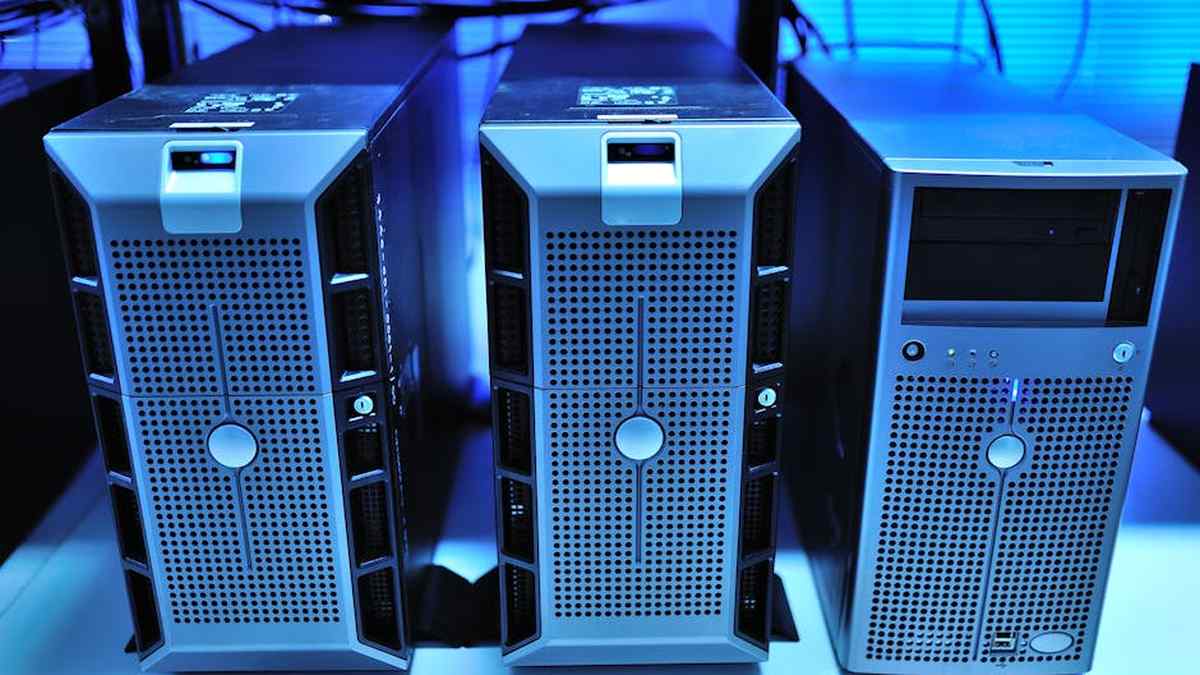
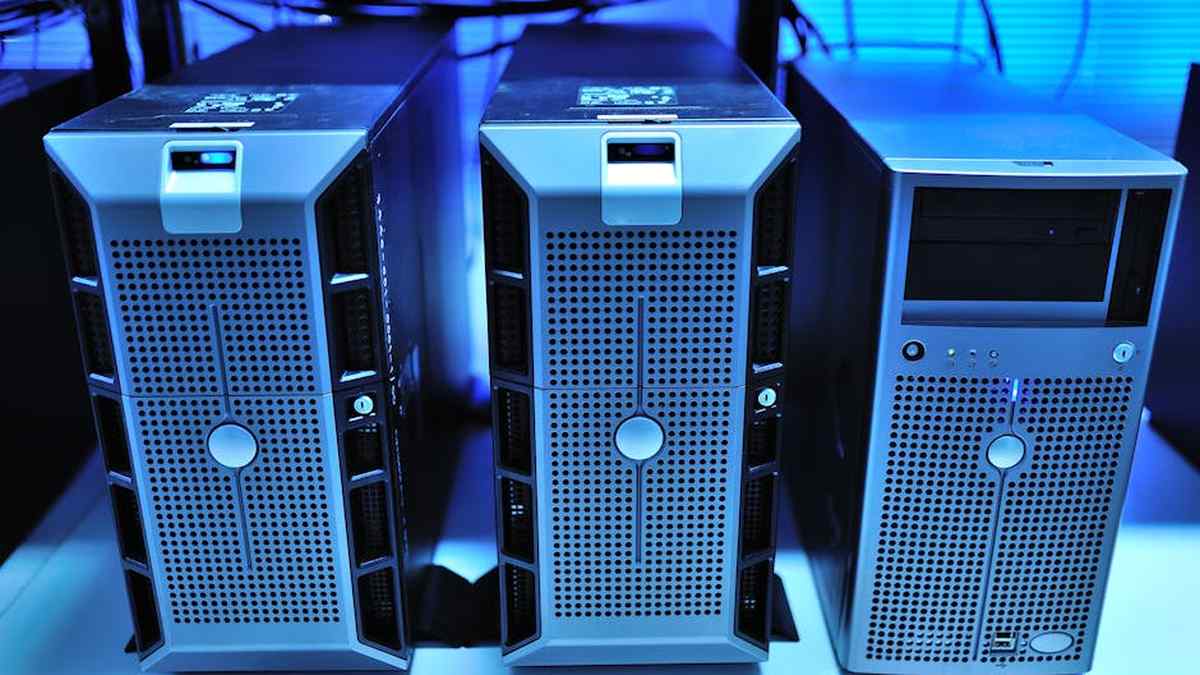
A dedicated server provides an enterprise with exclusive access to an entire physical server, its processing power, memory, and storage. It’s a single-tenant environment, meaning your applications and data are the sole occupants of the hardware. This offers unparalleled control, security, and consistent performance, as there are no “noisy neighbors” vying for resources. Enterprises typically lease these servers from a data center or hosting provider, often with options for hardware customization and root-level access.
Cloud VPS (Virtual Private Server)
A Cloud VPS operates within a virtualized environment. While it runs on shared physical hardware, it functions as an independent, isolated server with its own operating system, dedicated RAM, CPU resources, and storage. It’s essentially a virtual slice of a larger server, but with the advantages of cloud infrastructure, such as rapid provisioning, easy scaling, and often integrated management tools. Cloud VPS solutions typically offer a balance between the control of a dedicated server and the flexibility and cost-efficiency of public cloud.
Feature Comparison
| Feature | Dedicated Servers | Cloud VPS |
|---|---|---|
| Performance | Maximum raw power, consistent, no resource contention. | Good performance, but can be subject to “noisy neighbor” effects on shared hardware. |
| Security | Highest level of isolation, full control over OS/network. | Isolated environment, but underlying hardware is shared. Provider responsible for physical security. |
| Scalability | Manual hardware upgrades, longer provisioning times. | Rapid vertical (RAM/CPU) and horizontal (new instances) scaling. |
| Cost (Upfront) | Higher initial investment, often fixed monthly lease. | Low initial cost, often pay-as-you-go or tiered monthly. |
| Cost (Ongoing) | Predictable monthly fee, potential for higher OpEx (management). | Variable based on usage, generally lower for smaller needs, can scale up. |
| Management Overhead | High – full control means full responsibility for OS, patches, security. | Medium – OS and application layer management, but hardware/hypervisor managed by provider. |
| Customization | Full hardware and software customization. | Flexible OS and software, but limited hardware options. |
| Reliability | Dependent on single hardware unit; provider offers hardware replacement. | High – often built with redundancy, easier migration in case of host failure. |
| Disaster Recovery | Requires manual setup, backup solutions, and DR planning. | Easier with snapshotting, automated backups, and migration features. |
Key Features
Dedicated Servers
- Exclusive Resource Allocation: Guaranteed CPU, RAM, and storage without sharing.
- Root Access & OS Choice: Full administrative control, allowing custom operating systems and kernel modifications.
- Hardware Customization: Ability to specify exact CPU models, RAM types, storage drives (e.g., NVMe, RAID configurations), and network cards.
- Enhanced Security Posture: Physical and logical isolation from other tenants.
- Predictable Performance: Ideal for demanding applications with consistent workloads.
Cloud VPS
- Rapid Deployment: Instances can be provisioned and ready in minutes.
- Flexible Scalability: Easy to upgrade or downgrade CPU, RAM, and storage resources on demand.
- Managed Infrastructure: Hypervisor, hardware maintenance, and often basic network management are handled by the provider.
- Snapshotting & Backups: Built-in tools for creating system images and automated backups.
- Cost-Effectiveness: Pay only for the resources consumed, reducing capital expenditure.
Pros and Cons
Dedicated Servers
- Pros:
- Maximum performance and reliability due to exclusive resource access.
- Superior security posture with complete isolation and control.
- Full customization options for hardware and software.
- Consistent performance, no “noisy neighbor” issues.
- Ideal for strict compliance requirements.
- Cons:
- Higher total cost of ownership (TCO) including management.
- Less flexible and scalable; upgrades require downtime and manual intervention.
- Longer provisioning times compared to VPS.
- Single point of hardware failure (though providers offer replacements).
- Requires significant in-house expertise for management.
Cloud VPS
- Pros:
- Significantly more cost-effective for most small to medium-sized enterprises.
- Highly scalable and flexible; rapid resource adjustments.
- Fast deployment and provisioning.
- Reduced management overhead for underlying infrastructure.
- Often includes built-in backup, snapshot, and monitoring tools.
- Cons:
- Potential for “noisy neighbor” issues affecting performance (though less common with high-quality providers).
- Shared underlying hardware, which some enterprises perceive as a security risk.
- Limited hardware customization options.
- Potential for vendor lock-in if using proprietary cloud features.
Who Should Buy
Dedicated Servers
- Enterprises with Mission-Critical, High-Performance Applications: Databases, large-scale ERP/CRM systems, high-traffic e-commerce platforms.
- Organizations with Strict Security & Compliance Needs: Healthcare (HIPAA), financial services (PCI DSS), government agencies requiring absolute data isolation.
- Companies with Predictable, Intensive Workloads: Where consistent, maximum throughput is paramount.
- Businesses Requiring Specific Hardware Configurations: Custom RAID arrays, specialized GPUs, legacy hardware support.
- Those with the Internal IT Expertise: To manage and secure the entire server stack.
Cloud VPS
- Startups and Small to Medium-Sized Enterprises (SMEs): Seeking cost-effective, scalable infrastructure without significant upfront investment.
- Web Hosting Providers & Development Agencies: For hosting multiple client websites or development environments.
- Enterprises with Fluctuating or Bursting Workloads: Where rapid scaling up or down is essential.
- Organizations Prioritizing Rapid Deployment and Agility: For testing, development, and quick market pivots.
- Companies Seeking Reduced IT Management Overhead: Leveraging provider-managed infrastructure.
Who Should Avoid
Dedicated Servers
- Startups and Micro-Businesses with Tight Budgets: The cost and management burden can be prohibitive.
- Projects with Highly Variable or Infrequent Workloads: Wasting resources during idle periods.
- Enterprises Lacking In-House IT Expertise: Management can be complex and time-consuming.
- Businesses Requiring Extreme Agility and Rapid Scaling: Where provisioning new hardware is too slow.
Cloud VPS
- Enterprises Requiring Absolute, Unquestionable Performance Consistency: Where even minor resource contention is unacceptable.
- Organizations with Extremely Unique or Legacy Hardware Requirements: That cannot be virtualized effectively.
- Businesses with Exceptionally Strict, Non-Negotiable Data Isolation Demands: Where no shared hardware is permissible, regardless of virtualization layers.
Pricing Insight
The pricing landscape for both dedicated servers and Cloud VPS is dynamic, reflecting resource allocation, management level, and provider.
- Dedicated Servers: Typically command a higher monthly fee, ranging from a few hundred to several thousand dollars per server, depending on CPU cores, RAM, storage type (SSD/NVMe vs. HDD), bandwidth, and management level. While the sticker price might seem high, the Total Cost of Ownership (TCO) must factor in the internal IT staff required for OS, security, and application management, which can be substantial.
- Cloud VPS: Generally starts much lower, often from $5-$50 per month for basic configurations suitable for small websites or development environments. Higher-tier VPS instances, with more vCPUs, RAM, and SSD storage, can range into hundreds of dollars. The elasticity of Cloud VPS means you pay for what you use, but this also means costs can scale significantly if not properly monitored and optimized. Enterprises must account for potential egress fees (data transfer out), snapshot storage, and additional managed services.
Key Takeaway: Do not compare sticker prices directly. A comprehensive TCO analysis, factoring in operational expenses, internal labor, and future scalability needs, is crucial. WordPress Database Optimization for Sites
Alternatives
While dedicated servers and Cloud VPS cover a significant portion of enterprise needs, other infrastructure options warrant consideration:
- Public Cloud IaaS (e.g., AWS EC2, Azure Virtual Machines, Google Compute Engine): Offers hyper-scalable, globally distributed compute resources with a vast ecosystem of integrated services (databases, AI/ML, serverless, networking). While more complex, it’s ideal for enterprises demanding extreme elasticity, global reach, and extensive managed services.
- Managed Hosting Solutions: A broader category that can encompass dedicated servers or VPS instances, but with a significant portion of the server management (OS, security, updates, monitoring) handled by the provider. This bridges the gap for enterprises wanting the benefits of dedicated/VPS without the heavy management burden.
- Colocation: For enterprises that own their physical servers and wish to house them in a professional data center, benefiting from their power, cooling, and network infrastructure, while retaining full hardware control.
- Serverless Computing (FaaS): For specific, event-driven workloads, serverless platforms (e.g., AWS Lambda, Azure Functions) allow developers to deploy code without managing any servers, paying only when code executes.
Buying Guide: A Strategic Framework
Selecting the right infrastructure demands a rigorous assessment aligned with your enterprise’s unique requirements:
- Define Performance & Resource Needs: Quantify your application’s CPU, RAM, storage I/O, and network bandwidth requirements. Consider peak loads, not just averages.
- Assess Security & Compliance Landscape: Map your industry-specific regulations (HIPAA, PCI DSS, GDPR) and internal security policies. Evaluate the level of isolation and control required.
- Project Scalability Demands: Will your needs grow incrementally or burst unpredictably? How quickly must you scale resources up or down?
- Evaluate Budget & Total Cost of Ownership (TCO): Look beyond monthly fees. Include internal IT labor, software licenses, data transfer costs, backup solutions, and potential downtime costs.
- Determine Management Capabilities: Do you have the in-house expertise (sysadmins, network engineers) to manage a dedicated server, or would a more managed solution (VPS, managed hosting) be more appropriate?
- Provider Reputation & Support: Research potential providers’ track record, uptime SLAs, customer support responsiveness, and data center locations.
- Consider Disaster Recovery & Business Continuity: How will your chosen solution support your DR plan? What are the built-in redundancies and backup options?
- Future-Proofing: While immediate needs are critical, consider your 3-5 year growth strategy. How easily can your chosen infrastructure adapt?
Conclusion
The choice between a dedicated server and a Cloud VPS for a US enterprise is not a matter of one being inherently “better” than the other; it’s about alignment with strategic objectives, operational realities, and financial prudence. Dedicated servers remain the undisputed champion for ultimate performance, security isolation, and hardware customization, catering to highly demanding, sensitive, and predictable workloads. Cloud VPS, on the other hand, excels in agility, cost-efficiency, and scalability, making it the preferred choice for growing businesses, fluctuating workloads, and those prioritizing rapid deployment and reduced infrastructure management.
As digital strategists, our recommendation is to conduct a thorough, unbiased cost-benefit analysis, weighing TCO against performance, security, and scalability requirements. The optimal solution is the one that best supports your enterprise’s current mission while providing a clear runway for future innovation and growth. DNSSEC Implementation: Enhancing Security and
Disclaimer: This analysis provides general insights and recommendations. Actual performance, costs, and suitability will vary based on specific enterprise requirements, vendor offerings, and market conditions. It is imperative to conduct your own detailed due diligence and consult with infrastructure experts before making any purchasing decisions. Configuring Varnish Cache for WordPress:
Related Articles
- WordPress Database Optimization for Sites with Over 100,000 Posts: A Deep Dive.
- DNSSEC Implementation: Enhancing Security and Trust for US-Based Online Businesses.
- Configuring Varnish Cache for WordPress: Speeding Up Dynamic Content for US Users.
- The Role of Premium DNS Services in Enhancing US Website Performance and Redundancy.
- Headless WordPress Setup with Next.js: Performance Gains for US Content Publishers.
How can a US enterprise accurately project the total cost of ownership (TCO) and ROI for a dedicated server versus a Cloud VPS over a 3-5 year period?
For US enterprises, projecting TCO involves more than just monthly fees. For dedicated servers, factor in initial hardware investment (if owned), power, cooling, physical security, ongoing maintenance, hardware refresh cycles (typically every 3-5 years), and the internal IT staff required for management, patching, and support. Cloud VPS, while appearing cost-effective initially with its pay-as-you-go model, requires careful estimation of escalating resource usage (CPU, RAM, storage, bandwidth), potential egress fees, and the cost of managed services or specialized cloud expertise. A critical part of the ROI calculation should include the opportunity cost of IT staff time, potential performance bottlenecks impacting revenue, and the agility gained from faster deployment or scaling.
For our mission-critical, high-traffic US enterprise applications requiring consistent performance and low latency, which hosting solution provides superior reliability and predictable resource allocation?
When consistent performance and minimal latency are paramount for critical US enterprise applications, dedicated servers often provide superior reliability and predictability. With a dedicated server, you receive bare-metal access to all resources (CPU, RAM, disk I/O) without contention from “noisy neighbors” inherent in a shared cloud environment. This ensures stable performance ceilings crucial for applications like high-frequency trading platforms, large database servers, or real-time analytics. While Cloud VPS providers offer high availability and redundancy features, the underlying shared infrastructure can introduce variability. For US enterprises with highly sensitive, resource-intensive workloads that cannot tolerate even minor fluctuations, dedicated servers offer an unparalleled level of guaranteed resource isolation and performance.
Given strict US data privacy regulations (e.g., HIPAA, CCPA, CMMC) and enterprise security requirements, what are the key security and compliance advantages and challenges of dedicated servers versus Cloud VPS solutions?
For US enterprises navigating complex regulations like HIPAA, CCPA, or CMMC, the choice between dedicated servers and Cloud VPS impacts security and compliance significantly. Dedicated servers offer maximum physical isolation, allowing the enterprise full control over the entire software and hardware security stack, from operating system hardening to network configurations. This can simplify auditing and demonstrate compliance for specific frameworks by providing granular control over data sovereignty and access. Cloud VPS, while benefiting from the provider’s robust infrastructure security, operates on a shared responsibility model, meaning the enterprise is responsible for security *in* the cloud, while the provider secures the cloud *itself*. Enterprises must thoroughly vet the cloud provider’s compliance certifications, data center locations, and security practices to ensure alignment with their regulatory obligations, especially regarding data residency within US borders.
As a growing US enterprise, how do dedicated servers and Cloud VPS compare in terms of scalability and flexibility to adapt to fluctuating demand, and what are the implications for our internal IT management and operational overhead?
For a growing US enterprise facing fluctuating demand, scalability and flexibility are core decision factors. Cloud VPS excels here, offering rapid, on-demand scaling (up or down) of resources like CPU, RAM, and storage, often within minutes, and a clear pay-as-you-go model. This agility is ideal for handling sudden traffic spikes, seasonal demand, or rapid prototyping, significantly reducing IT operational overhead related to infrastructure provisioning. Dedicated servers, conversely, provide a fixed resource allocation that requires more planning for scaling; upgrades typically involve purchasing and installing new hardware or migrating to a larger server, which can take hours or days. While dedicated servers offer maximum resource utilization for stable, predictable workloads, their scaling process is less agile. The choice impacts IT management profoundly: Cloud VPS often shifts infrastructure management to the provider (especially for managed services), allowing internal IT to focus on applications, whereas dedicated servers demand a higher level of in-house expertise and time for maintenance, monitoring, and hardware lifecycle management.