Introduction: The Strategic Imperative of Compact Computing
In the evolving ecosystem of modern IT infrastructure, the demand for compact, efficient, and powerful computing solutions is no longer a niche requirement but a strategic imperative. Mini PCs, once considered mere novelties, have matured into formidable contenders for a wide array of applications, from enterprise kiosks and digital signage to home office productivity and casual gaming. This review critically benchmarks two dominant architectures in the compact desktop segment: Intel’s venerable NUC platform and the rapidly ascending AMD Ryzen-powered Mini PCs. Our objective is to dissect their respective value propositions in terms of raw power efficiency, integrated graphics capabilities for gaming, and overall strategic fit for the discerning digital strategist.
Product Overview: Defining the Contenders
Both Intel NUC and AMD Ryzen Mini PCs represent a paradigm shift from traditional tower desktops, offering significant space savings without always compromising on performance. However, their architectural philosophies and target demographics often diverge.
Intel NUC (Next Unit of Computing)
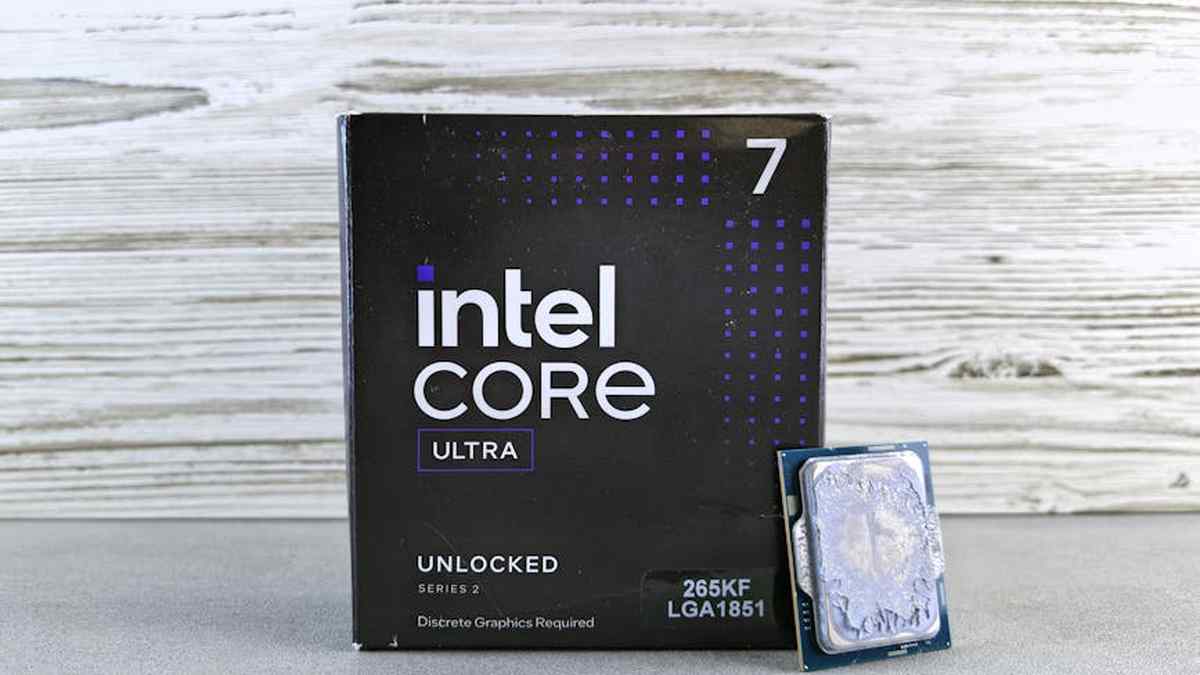
Intel’s NUC platform has historically pioneered the ultra-compact form factor, establishing a reputation for reliability, polished industrial design, and robust connectivity, often including Thunderbolt technology. Recent generations (e.g., NUC 12/13 Pro, NUC 12 Extreme ‘Dragon Canyon’) leverage Intel’s latest Core processors, integrating Iris Xe graphics, which offers a substantial uplift over previous generations but generally targets productivity and light content creation rather than intensive gaming. Salesforce Sales Cloud Enterprise vs.
AMD Ryzen Mini PCs
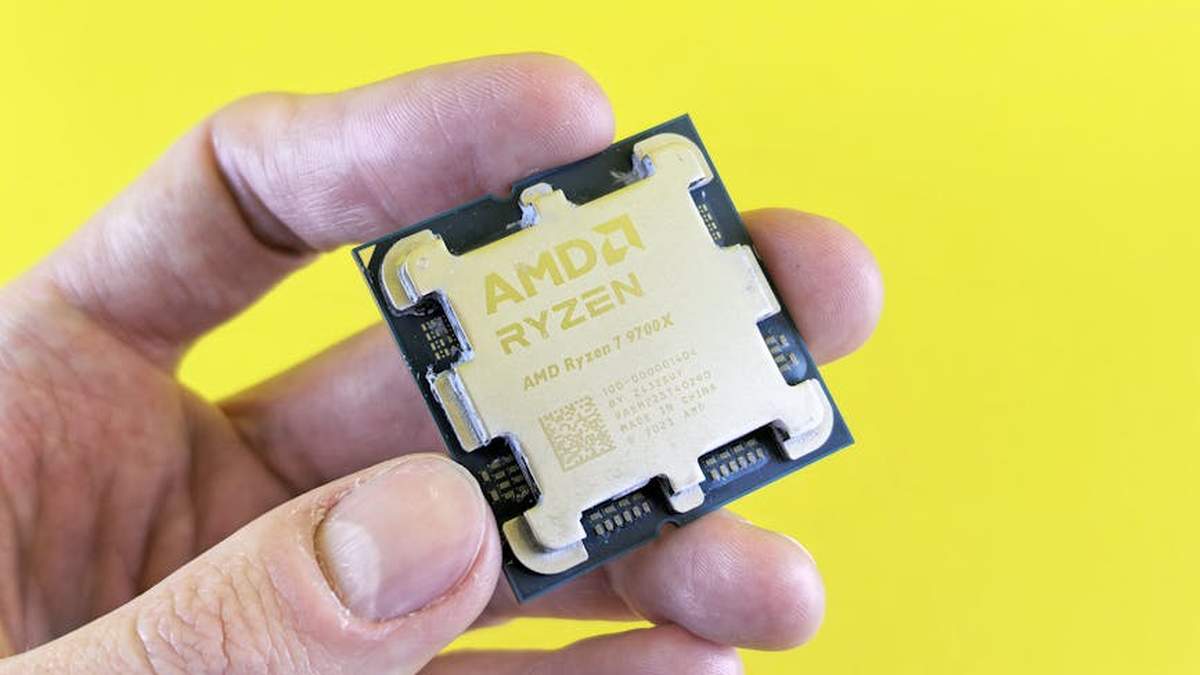
The advent of AMD’s Ryzen mobile processors has catalyzed a new wave of Mini PCs from various manufacturers (e.g., Minisforum, Beelink, ASUS PN series). These systems distinguish themselves with higher core/thread counts and, critically, superior integrated RDNA architecture graphics (e.g., Radeon 680M/780M). This empowers them with significantly enhanced gaming capabilities at a price point that often challenges Intel’s dominance in raw performance-per-dollar, particularly in graphically demanding tasks. Portable NVMe SSDs for Mac
Key Features: A Strategic Differentiator Matrix
- Processor Architecture: Intel Core (P-cores/E-cores hybrid) vs. AMD Ryzen (monolithic or chiplet designs).
- Integrated Graphics: Intel Iris Xe (productivity-focused) vs. AMD Radeon RDNA 2/3 (gaming-capable).
- Connectivity: Intel’s consistent integration of Thunderbolt 3/4 vs. AMD’s adoption of USB4 (which often includes Thunderbolt 3 compatibility).
- Form Factor & Thermal Design: Both offer highly compact designs, but thermal solutions vary greatly depending on the specific model and manufacturer.
- Expandability: Typically includes multiple M.2 NVMe slots, SODIMM RAM slots, and sometimes 2.5-inch drive bays.
- Power Efficiency: A critical metric, assessed for both idle and under load scenarios, impacting operational costs and environmental footprint.
Benchmarking Power Efficiency and Gaming Capability: A Comparative Analysis
| Feature Metric | Intel NUC (Representative High-End, e.g., NUC 12 Pro) | AMD Ryzen Mini PC (Representative High-End, e.g., Beelink GTR7) |
|---|---|---|
| CPU Performance (Multi-Core) | Very Strong (Excellent for burst tasks & general productivity) | Outstanding (Superior for sustained multi-threaded workloads, rendering) |
| iGPU Gaming Performance (1080p Low-Med Settings) | Good (Capable for older titles, esports; ~30-50 FPS average) | Excellent (Capable for modern titles, higher framerates; ~50-80+ FPS average) |
| Power Efficiency (Idle) | ~8-12W (Generally lower, optimized for minimal standby draw) | ~10-15W (Competent, slightly higher but still very efficient) |
| Power Efficiency (Gaming Load) | ~45-65W (Efficient given performance output) | ~60-90W (Higher peak, correlating with superior gaming performance) |
| Connectivity Ecosystem | Thunderbolt 4, PCIe Gen 4, Dual 2.5GbE, Wi-Fi 6E | USB4 (Thunderbolt 3 compatible), PCIe Gen 4, Dual 2.5GbE, Wi-Fi 6E |
| Price/Performance Ratio (Gaming) | Moderate (Higher cost for competitive gaming capability) | High (Exceptional value for integrated gaming prowess) |
| Ecosystem Maturity & Support | Established, direct Intel support, enterprise focus | Varies by OEM, strong underlying AMD driver support |
Pros and Cons: A Balanced Perspective
Intel NUC
Pros:
- ✓ Robust Build Quality & Reliability: Often superior chassis and internal design, ensuring longevity.
- ✓ Thunderbolt Connectivity: Unmatched for external GPU enclosures, high-speed storage, and docking solutions.
- ✓ Enterprise-Grade Features: Often includes vPro, remote management capabilities, appealing to corporate deployments.
- ✓ Refined Driver & Software Stack: Highly optimized and stable, less prone to unforeseen issues.
Cons:
- ✗ Higher Cost: Generally commands a premium for similar CPU performance.
- ✗ Limited Gaming Performance: Iris Xe, while competent, cannot match RDNA 2/3 for demanding titles.
- ✗ Fewer Multi-Core Threads: Can be a bottleneck for heavy content creation or virtualization workloads.
AMD Ryzen Mini PCs
Pros:
- ✓ Superior iGPU Gaming: Unparalleled integrated graphics performance for a compact desktop.
- ✓ Excellent Multi-Core Value: Offers more threads and raw processing power per dollar.
- ✓ Competitive Pricing: Often provides a more aggressive price point for the performance delivered.
- ✓ USB4 Inclusion: Provides comparable versatility to Thunderbolt for most users.
Cons:
- ✗ Variable Build Quality: Dependent on the specific OEM, consistency can differ.
- ✗ No Native Thunderbolt Support (typically): USB4 closes the gap but some edge cases might prefer native TB.
- ✗ Driver/Firmware Updates: Can be less consistent or rely solely on the OEM for updates.
- ✗ Potentially Higher Peak Power Draw: Under heavy gaming loads, consume more power than Intel counterparts.
Who Should Buy: Tailoring to Strategic Needs
- Intel NUC:
- Enterprise & Business Users: Requiring vPro, remote management, and absolute stability for mission-critical applications.
- Professionals Requiring Thunderbolt: For external GPUs, high-speed RAID arrays, or specific professional peripherals.
- Developers & Home Lab Enthusiasts: Seeking a reliable, quiet, and ultra-compact server or development machine.
- Home Theater PCs (HTPC): For media consumption where low power and a small footprint are paramount.
- AMD Ryzen Mini PCs:
- Budget-Conscious Gamers: Seeking to play modern titles at acceptable frame rates without a dedicated GPU.
- Content Creators: Engaging in video editing, 3D rendering, or heavy multitasking where multi-core performance is key.
- Tech Enthusiasts: Desiring maximum performance-per-dollar and embracing the latest integrated graphics advancements.
- General Productivity Users: Who occasionally dabble in gaming or need robust general computing power.
Who Should Avoid: Identifying Suboptimal Fit
- Intel NUC:
- Serious Gamers: Expecting high frame rates on demanding AAA titles without a discrete GPU.
- Users with Strict Budget Constraints: Where every dollar for raw performance is critical.
- AMD Ryzen Mini PCs:
- Users Requiring Absolute Thunderbolt 4 Feature Set: For very specific professional workflows that mandate native TB4.
- IT Departments Demanding Unified Enterprise Support: Where a single vendor’s comprehensive support model is non-negotiable.
Pricing Insight: Value Proposition Across Tiers
Generally, Intel NUCs often position themselves at a premium, reflecting their established brand, enterprise-grade features, and consistent build quality. Barebones NUCs (without RAM/storage) can range from $300 to over $1000 for extreme models. AMD Ryzen Mini PCs, while offering competitive performance, particularly in graphics, often come in at more aggressive price points, especially from emerging manufacturers. A fully configured, gaming-capable AMD Mini PC might offer similar or superior performance to a higher-priced Intel NUC, especially considering the integrated GPU capabilities. Strategic purchasing involves evaluating the total cost of ownership against the specific performance requirements rather than just the sticker price.
Alternatives: Expanding the Strategic Horizon
While Mini PCs offer a compelling compact solution, other form factors and strategies exist:
- Traditional Small Form Factor (SFF) Builds: Custom ITX builds offer greater upgradeability and discrete GPU options but typically require more assembly and are larger.
- Apple Mac Mini: For users within the Apple ecosystem, offering exceptional power efficiency and performance with macOS.
- Gaming Laptops: If portability is a critical factor, a gaming laptop can offer a powerful, all-in-one solution.
- Cloud Gaming Services (e.g., GeForce NOW, Xbox Cloud Gaming): A viable alternative for casual gamers who prefer streaming and minimal hardware investment.
Buying Guide: A Strategic Decision Framework
To optimize your investment, consider these critical factors:
- Primary Use Case: Is it for productivity, demanding gaming, content creation, or enterprise deployment? This dictates CPU and GPU priority.
- Budget Allocation: Define your financial envelope and assess the performance-per-dollar of each platform within that range.
- Connectivity Requirements: Evaluate the necessity of Thunderbolt vs. USB4 for your peripheral ecosystem.
- Upgradeability Desires: While both are limited, consider RAM and storage expandability.
- Brand Reputation & Support: Especially for AMD Mini PCs, vet the OEM’s track record for reliability and customer service.
- Power Consumption & Acoustics: Factor in long-term operational costs and environmental impact, particularly for always-on deployments.
Conclusion: Tailoring Technology to Strategic Objectives
The choice between Intel NUC and AMD Ryzen Mini PCs is not a matter of absolute superiority but one of strategic alignment with specific operational objectives. Intel NUCs remain the gold standard for robust, enterprise-focused deployments requiring rock-solid stability and Thunderbolt integration, making them ideal for professionals and specific commercial environments. AMD Ryzen Mini PCs, conversely, redefine the compact gaming and multi-core performance landscape, offering unparalleled value for gamers and content creators seeking powerful integrated graphics and raw processing might without the bulk of a traditional desktop. Ultimately, the optimal choice is the one that most efficiently meets your performance metrics, budgetary constraints, and long-term strategic computing goals.
Disclaimer: No Guarantees
The information provided in this review is based on general industry knowledge, current market trends, and representative performance metrics of Intel NUC and AMD Ryzen Mini PC platforms as of the time of writing. Actual performance, pricing, features, and availability may vary significantly depending on specific models, configurations, manufacturer optimizations, software versions, and market conditions. Benchmarking results can fluctuate based on testing methodology and environmental factors. This review is intended for informational purposes only and does not constitute a guarantee of specific product performance or suitability for any particular application. Readers are advised to conduct their own research and consult official product specifications before making purchasing decisions.
Related Articles
- Salesforce Sales Cloud Enterprise vs. Microsoft Dynamics 365 Sales: ROI for Mid-Market B2B Companies in the US.
- Portable NVMe SSDs for Mac vs. PC: Latency, Throughput, and Real-World File Transfer Tests for Professionals
- Miro vs. Mural for Remote Design Sprints: Facilitation Tools, Integrations, and Team Collaboration Features.
- XLR vs. USB-C Audio Interfaces: A Prosumer’s Guide to Latency and Fidelity for Home Recording Studios
- Mastering LinkedIn Creator Mode to Attract High-Value US Corporate Clients for Consulting Services
I’m looking for a compact desktop primarily for gaming. Which platform, an Intel NUC or an AMD Ryzen Mini PC, will deliver better frame rates and graphics performance for modern titles?
For gaming-focused compact desktops, AMD Ryzen Mini PCs generally hold an advantage, especially in models utilizing AMD’s powerful integrated Radeon Graphics (e.g., Ryzen 5000/6000/7000 series APUs). These often outperform the integrated Iris Xe graphics found in most standard Intel NUCs, offering smoother gameplay and higher frame rates in many modern and esports titles without the need for a separate discrete GPU. While some high-end Intel NUCs like the NUC Extreme series do feature discrete graphics cards, they typically come at a significantly higher price point and larger form factor, blurring the “mini PC” distinction. If you’re comparing similarly sized and priced mini PCs without discrete GPUs, an AMD Ryzen option is usually the better choice for gaming capability.
My priority is power efficiency for a compact desktop that runs daily tasks and media consumption. Between an Intel NUC and an AMD Ryzen Mini PC, which is generally more energy-efficient?
Both Intel NUCs and AMD Ryzen Mini PCs are designed with energy efficiency in mind for their compact form factors. Historically, Intel NUCs were often cited for their excellent idle power consumption. However, modern AMD Ryzen processors, particularly the mobile-focused versions used in many mini PCs, have made significant strides in power efficiency under both light and heavy loads. For typical daily tasks, web browsing, and media streaming, both can offer very low power draw. The specific CPU generation and configuration will be the biggest factor. For users prioritizing minimal energy consumption, it’s advisable to compare specific models’ TDP (Thermal Design Power) and review independent power consumption benchmarks, as newer generations from both camps are continuously improving.
I need a versatile mini PC for general productivity, streaming, and occasional creative tasks like photo editing. Which platform offers a better overall performance-to-price ratio: an Intel NUC or an AMD Ryzen Mini PC?
When considering overall performance-to-price for a versatile compact desktop, AMD Ryzen Mini PCs often present a compelling value proposition. AMD’s Ryzen processors typically offer higher core and thread counts at competitive price points, which can translate to better multi-tasking capabilities and faster performance in CPU-intensive creative applications. Their integrated graphics also tend to be more robust, benefiting tasks like photo editing or even light video rendering where GPU acceleration helps. While Intel NUCs offer excellent single-core performance and a stable platform, you might find that an equivalently priced AMD Ryzen Mini PC provides more “bang for your buck” across a wider range of general and slightly demanding workloads, especially if you plan on holding onto the system for several years.
What are the key differences in expandability or future-proofing between Intel NUCs and AMD Ryzen Mini PCs that might influence a long-term purchase decision?
In the realm of mini PCs, expandability is inherently limited for both platforms compared to traditional desktops. However, there are nuances. Most Intel NUCs and AMD Ryzen Mini PCs typically offer slots for M.2 NVMe SSDs, and often a 2.5-inch drive bay, along with upgradeable SO-DIMM RAM. Where they differ often lies in the availability of multiple M.2 slots, network connectivity options (like 2.5GbE or Wi-Fi 6E), or the inclusion of Thunderbolt ports (more common on Intel NUCs). For future-proofing, consider the CPU generation and integrated graphics. AMD’s integrated graphics often stay relevant for longer in the gaming/media consumption space. Intel’s Thunderbolt port can offer versatile external expansion for docking stations or eGPUs (though this defeats the compact purpose for most). Ultimately, for long-term use, focus on acquiring the best possible CPU and sufficient RAM from the outset, as these are the least flexible components to upgrade in such compact systems.