As digital strategists, we frequently navigate the complex landscape of cybersecurity, particularly for mission-critical platforms like WordPress. For US-based businesses, safeguarding a WordPress website isn’t just about preventing data breaches; it’s about maintaining trust, ensuring business continuity, and adhering to often stringent regulatory requirements. Two primary contenders in this security arena are the traditional hardware firewall and the modern Web Application Firewall (WAF). This review dissects their capabilities, guiding you to make an informed decision for your digital assets. Salesforce Sales Cloud Enterprise vs.
Securing Your WordPress: Hardware Firewall vs. WAF
The digital frontier is constantly evolving, and with it, the sophistication of cyber threats. For US businesses leveraging WordPress, choosing the right security infrastructure is paramount. While a hardware firewall has long been the bedrock of network security, the rise of application-layer attacks has brought the Web Application Firewall (WAF) into the spotlight. Understanding their distinct roles and comparing their efficacy is crucial for crafting a robust defense strategy.
| Feature | Hardware Firewall (Product A) | Web Application Firewall (WAF) (Product B) |
|---|---|---|
| Primary Function | Network perimeter security; filters traffic based on IP addresses, ports, and protocols (Layers 3/4). | Application layer security; filters HTTP/S traffic based on application-specific rules (Layer 7). |
| Deployment | Physical appliance installed on-premise; gateway to the network. | Typically cloud-based (SaaS) or software-based; sits in front of the web server. |
| Target Protection | Protects entire network infrastructure, including multiple servers and services. | Specifically protects web applications (e.g., WordPress) from web-based attacks. |
| Attack Vectors Addressed | Network scans, unauthorized access attempts, port floods, DDoS (network layer). | SQL Injection, XSS, RFI/LFI, OWASP Top 10, application-layer DDoS, brute-force, bot attacks. |
| Management & Expertise | Requires significant technical expertise for configuration, maintenance, and updates. | Often managed service (cloud WAFs), simplifying administration; rulesets updated by vendor. |
| Performance Impact | Can introduce latency if under-spec’d or poorly configured; dedicated hardware. | Minimal latency for cloud WAFs (edge caching); can offload traffic from origin server. |
| Cost Structure | High upfront capital expenditure (CapEx) for hardware; lower recurring for support/maintenance. | Subscription-based operational expenditure (OpEx); scales with usage/features. |
| Scalability | Can be complex and expensive to scale hardware infrastructure. | Highly scalable, especially with cloud-based solutions, adjusting to traffic demands. |
| WordPress Specificity | Generic network protection; not designed for WordPress vulnerabilities. | Highly effective for WordPress, protecting against common plugin/theme exploits and core vulnerabilities. |
Product Overview
Hardware Firewall
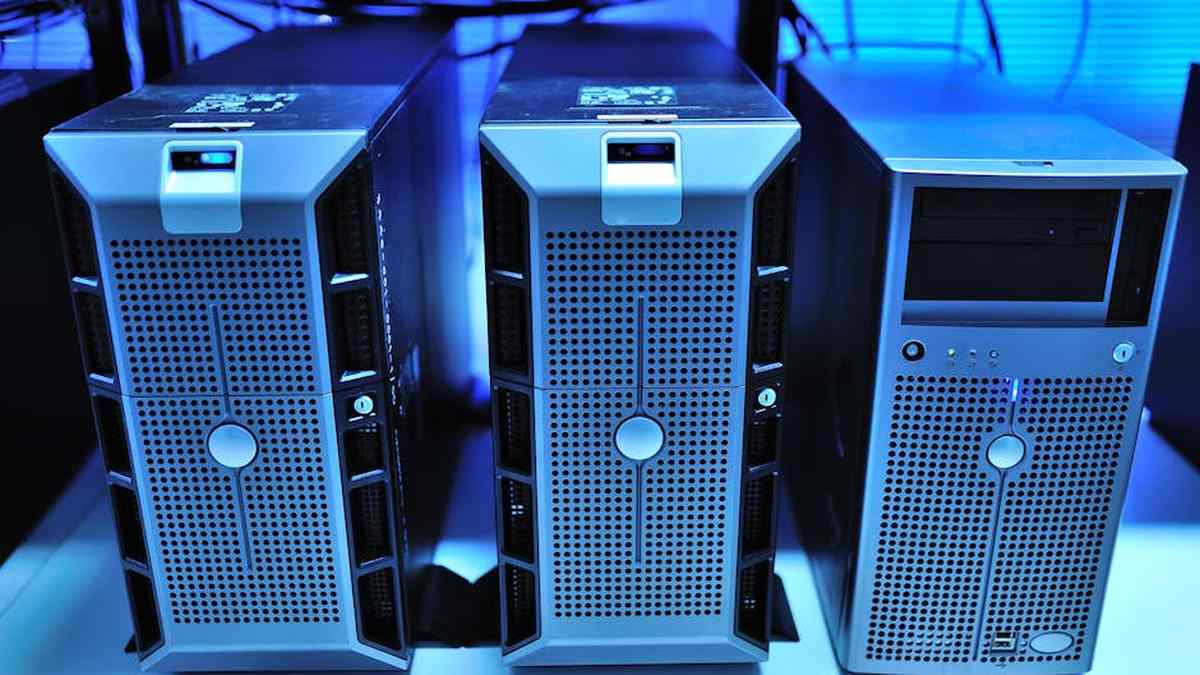
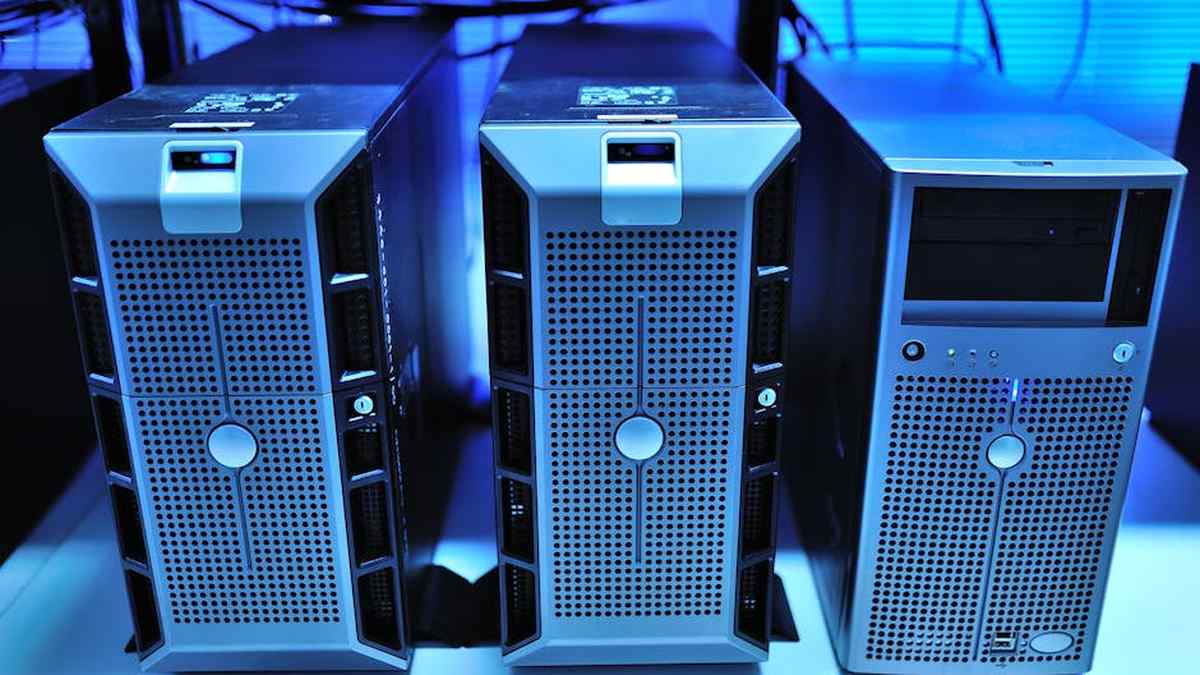
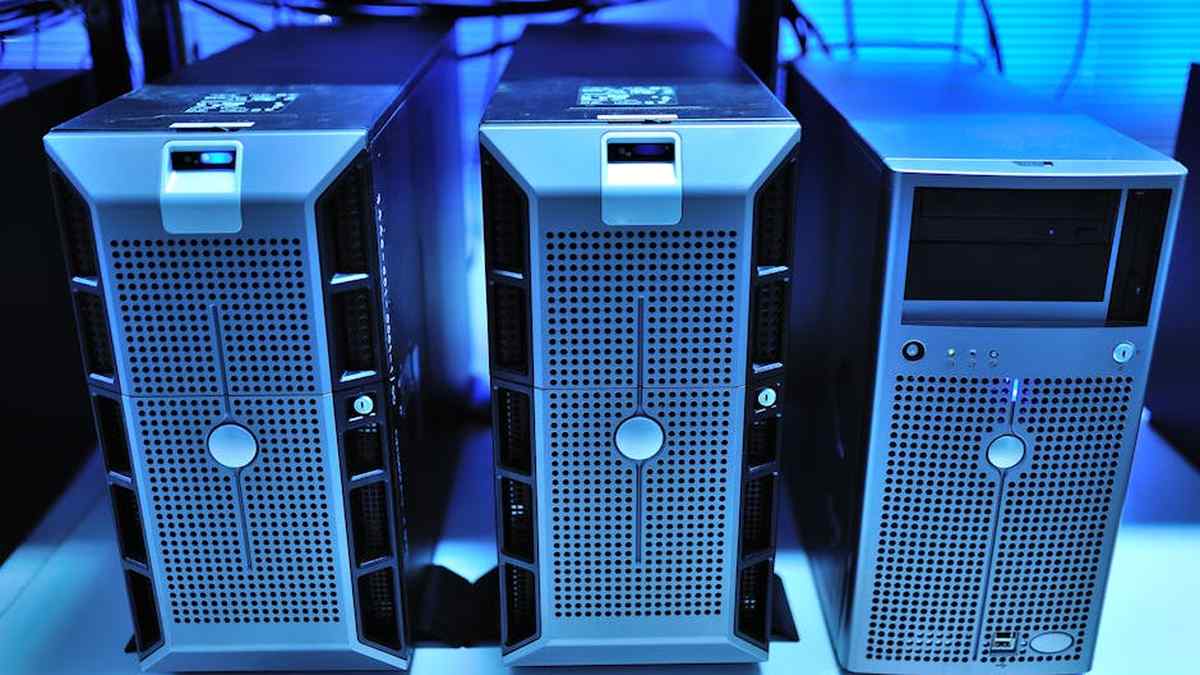
A hardware firewall is a physical device positioned at the perimeter of a network, acting as a gatekeeper for all incoming and outgoing traffic. Operating primarily at the network and transport layers (Layers 3 and 4 of the OSI model), it makes decisions based on source/destination IP addresses, port numbers, and protocol types. Think of it as the bouncer at the club’s main entrance, checking IDs and general eligibility for entry into the entire venue.
Web Application Firewall (WAF)
A Web Application Firewall (WAF), in contrast, is an application-layer security solution (Layer 7). It specifically monitors, filters, and blocks HTTP/S traffic to and from a web application. A WAF can be a network-based appliance, a host-based plugin, or, most commonly, a cloud-based service (reverse proxy). It understands the nuances of web requests and responses, scrutinizing traffic for patterns indicative of attacks like SQL injection, cross-site scripting (XSS), and other OWASP Top 10 vulnerabilities. It’s the specialized security guard stationed at the VIP section, understanding the specific rules of entry and behavior for that particular area. Migrating from Shared Hosting to
Key Features
Hardware Firewall
- Stateful Packet Inspection: Monitors the state of active connections and makes decisions based on context.
- Network Address Translation (NAT): Conceals internal IP addresses, adding a layer of obscurity.
- VPN Support: Enables secure remote access to the internal network.
- Port Blocking & Filtering: Restricts access to specific ports and services.
- Intrusion Prevention System (IPS) Integration: Many modern hardware firewalls include IPS capabilities to detect and prevent known exploits.
Web Application Firewall (WAF)
- OWASP Top 10 Protection: Specifically designed to mitigate common web application vulnerabilities.
- SQL Injection & XSS Prevention: Detects and blocks malicious code injection attempts.
- DDoS Mitigation (Layer 7): Identifies and filters application-layer denial-of-service attacks, protecting server resources.
- Bot Protection: Thwarts malicious bots, scrapers, and automated attacks.
- Virtual Patching: Applies security rules to mitigate vulnerabilities without modifying the application’s source code.
- Custom Rule Sets: Allows for tailored security policies specific to your application’s logic.
- Real-time Monitoring & Analytics: Provides insights into attack attempts and traffic patterns.
Pros and Cons
Hardware Firewall
- Pros:
- Robust perimeter defense for the entire network.
- Direct control over network traffic flow.
- Can protect multiple servers and applications behind it.
- Lower recurring costs post-initial investment.
- Essential for deep network segmentation and complex topologies.
- Cons:
- Significant upfront capital expenditure.
- Complex to set up and manage, requiring specialized IT expertise.
- Limited visibility and protection at the application layer (WordPress vulnerabilities).
- Can become a single point of failure if not properly redundant.
- Requires physical space, power, and cooling.
Web Application Firewall (WAF)
- Pros:
- Superior protection against WordPress-specific application-layer attacks.
- Easy deployment, especially for cloud-based WAFs.
- Often a managed service, reducing operational burden.
- Scalable to handle fluctuating traffic volumes.
- Can improve website performance through caching and content delivery optimizations (especially integrated WAF/CDNs).
- Cost-effective for businesses with limited IT staff.
- Cons:
- Recurring subscription costs (OpEx model).
- Potential for false positives, blocking legitimate traffic (though rare with modern WAFs).
- Introduces an external dependency and potentially minimal latency.
- Less control over the underlying network infrastructure compared to a hardware firewall.
Who Should Buy
Hardware Firewall
- Large Enterprises & Data Centers: Businesses with extensive on-premise infrastructure, multiple servers, and a need for granular network control.
- High Compliance Needs (specific network controls): Organizations subject to regulations that mandate strict network perimeter controls.
- Organizations with Dedicated IT Security Teams: Those with the in-house expertise to deploy, manage, and maintain complex network appliances.
- Businesses with Significant CapEx Budgets: Companies preferring a one-time large investment over ongoing subscriptions.
Web Application Firewall (WAF)
- SMBs & E-commerce Sites: Any business relying heavily on their WordPress website for revenue or operations.
- Content Publishers & Blogs: Websites that are frequent targets for comment spam, DDoS, or content scraping.
- Organizations with Limited IT Resources: Businesses without dedicated security staff, benefiting from a managed service.
- Cloud-First Deployments: Websites hosted in cloud environments where a physical appliance is impractical.
- Businesses Prioritizing Scalability & Agility: Those needing a solution that can adapt quickly to growth and new threats.
Who Should Avoid
Hardware Firewall
- Small Businesses & Startups: Those with limited budgets and no in-house IT expertise for complex network hardware.
- Cloud-Only WordPress Deployments: If your entire infrastructure is in the cloud, a physical firewall is usually irrelevant or redundant.
- Businesses Needing Rapid Deployment: Setting up and configuring a hardware firewall takes time.
Web Application Firewall (WAF)
- Extremely Latency-Sensitive Applications: While WAFs are optimized, any additional hop can introduce infinitesimal latency. Some niche applications might find this unacceptable.
- Organizations With Unique, Non-Standard Protocols: WAFs are primarily designed for HTTP/S traffic.
- Businesses Unwilling to Pay Recurring Fees: The OpEx model might not suit all budget philosophies.
Pricing Insight
Hardware Firewalls: The initial investment can range from a few thousand dollars for small business models to tens or hundreds of thousands for enterprise-grade solutions. Beyond the hardware, there are ongoing costs for support, software subscriptions for threat intelligence updates, and maintenance contracts, typically ranging from 10-25% of the hardware cost annually.
Web Application Firewalls (WAFs): Pricing for WAFs is predominantly subscription-based. Entry-level services for a single WordPress site can start as low as $10-$20 per month (e.g., Sucuri, Cloudflare WAF). Mid-tier and enterprise solutions, offering advanced features, higher bandwidth, and dedicated support, can range from hundreds to several thousands of dollars per month, often scaled by bandwidth usage, number of sites, or specific feature sets. Setting Up an S-Corp for
Alternatives
While hardware firewalls and WAFs are formidable, they are not the only layers of defense. Consider these alternatives or complementary solutions:
- Intrusion Detection/Prevention Systems (IDPS): Can be standalone or integrated, monitoring network or host activity for malicious behavior.
- Managed WordPress Hosting: Many premium hosts offer robust server-side security, including firewalls, malware scanning, and proactive patching.
- WordPress Security Plugins: Plugins like Wordfence or Sucuri Security provide application-layer scanning, malware detection, and some firewall capabilities within WordPress itself (though not a substitute for a full WAF).
- Content Delivery Networks (CDNs) with Security Features: Services like Cloudflare, Akamai, or Fastly integrate WAF capabilities, DDoS protection, and performance enhancements at the edge.
- Endpoint Detection and Response (EDR): Focuses on securing individual servers or workstations within the network.
Buying Guide
- Assess Your Risk Profile & Asset Value: What is the potential impact of a breach? What sensitive data do you handle? This defines your security budget and priority.
- Understand Your Threat Landscape: Are you primarily targeted by network-level DDoS, or application exploits specific to WordPress? This guides your primary defense focus.
- Evaluate Your Infrastructure: Is your WordPress site on shared hosting, a VPS, dedicated server, or a cloud platform? This influences feasible deployment options.
- Consider Your Budget (CapEx vs. OpEx): Determine whether a large upfront investment or recurring operational costs align better with your financial strategy.
- Assess Internal Expertise: Do you have the in-house IT security staff to manage and fine-tune complex security appliances, or do you require a more “set it and forget it” managed service?
- Scalability Requirements: How quickly do you anticipate your website traffic or infrastructure needs growing? Choose a solution that can scale efficiently.
- Compliance Obligations: If you handle sensitive data (e.g., PCI DSS, HIPAA), ensure the chosen solution helps you meet specific regulatory requirements.
- Vendor Reputation & Support: For security solutions, reliable support and a strong track record are non-negotiable.
- Performance Impact: Test potential solutions for any noticeable latency or performance degradation.
Conclusion
For US-based businesses securing their WordPress websites, the choice between a hardware firewall and a Web Application Firewall (WAF) is not mutually exclusive, but rather a strategic decision based on your specific operational context, threat model, and resource allocation. A hardware firewall provides critical perimeter defense, safeguarding your entire network from lower-level attacks. However, it offers limited protection against the nuanced application-layer threats that specifically target WordPress. This is where a WAF shines, providing an intelligent, adaptive shield directly against web-borne exploits.
For most modern WordPress deployments, especially those in cloud environments or businesses with limited dedicated IT security staff, a cloud-based WAF is often the most impactful and efficient primary security layer for the website itself. It offers robust, managed protection against the vast majority of threats your WordPress site will face, with minimal overhead. Enterprises with extensive on-premise infrastructure will likely benefit from a multi-layered approach, employing a robust hardware firewall for network perimeter defense in conjunction with a WAF for critical web applications like WordPress. Ultimately, a layered security approach, where different solutions address different attack vectors, provides the most resilient defense against an ever-evolving threat landscape. Gusto vs. Rippling: Comprehensive HR
No Guarantees
Please note that no security solution can offer 100% protection against all threats. The effectiveness of any security measure is dependent on proper configuration, ongoing maintenance, and adherence to security best practices. This review provides general guidance and insights, but specific recommendations should always be made after a comprehensive assessment of your individual business needs and risk profile by a qualified cybersecurity professional.
Related Articles
- Salesforce Sales Cloud Enterprise vs. Microsoft Dynamics 365 Sales: ROI for Mid-Market B2B Companies in the US.
- Migrating from Shared Hosting to Managed Cloud for a Growing US SaaS Platform
- Setting Up an S-Corp for Your US-Based Remote Freelance Business: A Tax Optimization Strategy
- Gusto vs. Rippling: Comprehensive HR and Payroll Platform Comparison for US Small Businesses with 10-50 Employees.
- XLR vs. USB-C Audio Interfaces: A Prosumer’s Guide to Latency and Fidelity for Home Recording Studios
For a US-based WordPress e-commerce business, which offers superior protection against common web threats: a dedicated hardware firewall or a cloud-based Web Application Firewall (WAF)?
For US-based WordPress e-commerce sites, a cloud-based Web Application Firewall (WAF) generally provides superior and more targeted protection against common web threats such as SQL injection, cross-site scripting (XSS), and brute-force attacks. While a hardware firewall secures your network perimeter by inspecting traffic at the network and transport layers, a WAF operates at the application layer (Layer 7), specifically designed to understand and filter HTTP/S traffic directed at your WordPress application. This allows it to detect and block malicious requests that would bypass a traditional hardware firewall. For businesses focused on securing their actual website application and sensitive customer data, a WAF is often the more direct and effective solution.
Considering the investment, what are the key differences in total cost of ownership and return on investment for implementing a hardware firewall versus subscribing to a WAF service for our US WordPress site?
The total cost of ownership (TCO) and return on investment (ROI) differ significantly. A hardware firewall involves a substantial upfront capital expenditure for the device itself, plus costs for installation, configuration, ongoing maintenance, power, and often dedicated IT expertise. Its ROI is tied to protecting the entire network infrastructure. In contrast, a WAF service typically operates on a subscription model with lower upfront costs, offering predictable monthly or annual operational expenses. WAFs often include managed services, threat intelligence updates, and scalability without further hardware investment. For US WordPress sites, a WAF can offer a quicker and more direct ROI by specifically mitigating application-layer vulnerabilities, reducing data breach risks, and improving site performance through content delivery network (CDN) integration, all usually at a lower TCO over time due to reduced management overhead.
Our US business has limited IT staff. Which option, a hardware firewall or a WAF, provides a more straightforward setup and easier ongoing management for securing our WordPress environment?
For US businesses with limited IT staff, a cloud-based WAF service is almost universally simpler to set up and manage. Most WAFs operate as a service (SaaS), requiring only a simple DNS change to route your WordPress site’s traffic through the WAF provider’s network. The WAF provider handles all hardware, software updates, rule management, and threat intelligence. A hardware firewall, on the other hand, demands physical installation, network configuration, ongoing patching, rule tuning, and dedicated monitoring, all of which require specialized IT knowledge and time. Opting for a WAF allows your limited staff to focus on core business operations while delegating advanced security management to experts.
Beyond general security, if our US WordPress site needs specific protection against zero-day exploits, sophisticated bot attacks, and compliance with data privacy regulations, which solution (hardware firewall or WAF) is more effective?
A Web Application Firewall (WAF) is significantly more effective than a traditional hardware firewall for protecting against zero-day exploits, sophisticated bot attacks, and ensuring compliance with data privacy regulations relevant to US businesses (e.g., CCPA, HIPAA if applicable). WAFs are designed to analyze application-layer traffic in real-time, allowing them to detect and virtually patch zero-day vulnerabilities before official security updates are available. They excel at identifying and mitigating advanced bot threats, including credential stuffing, scrapers, and DDoS attacks targeting the application layer. For compliance, a WAF provides an audit trail of web traffic, can enforce access controls, and helps prevent data exfiltration, directly contributing to meeting regulatory requirements for protecting sensitive customer data processed by your WordPress site. A hardware firewall, while essential for network perimeter defense, lacks this deep application-layer insight.